
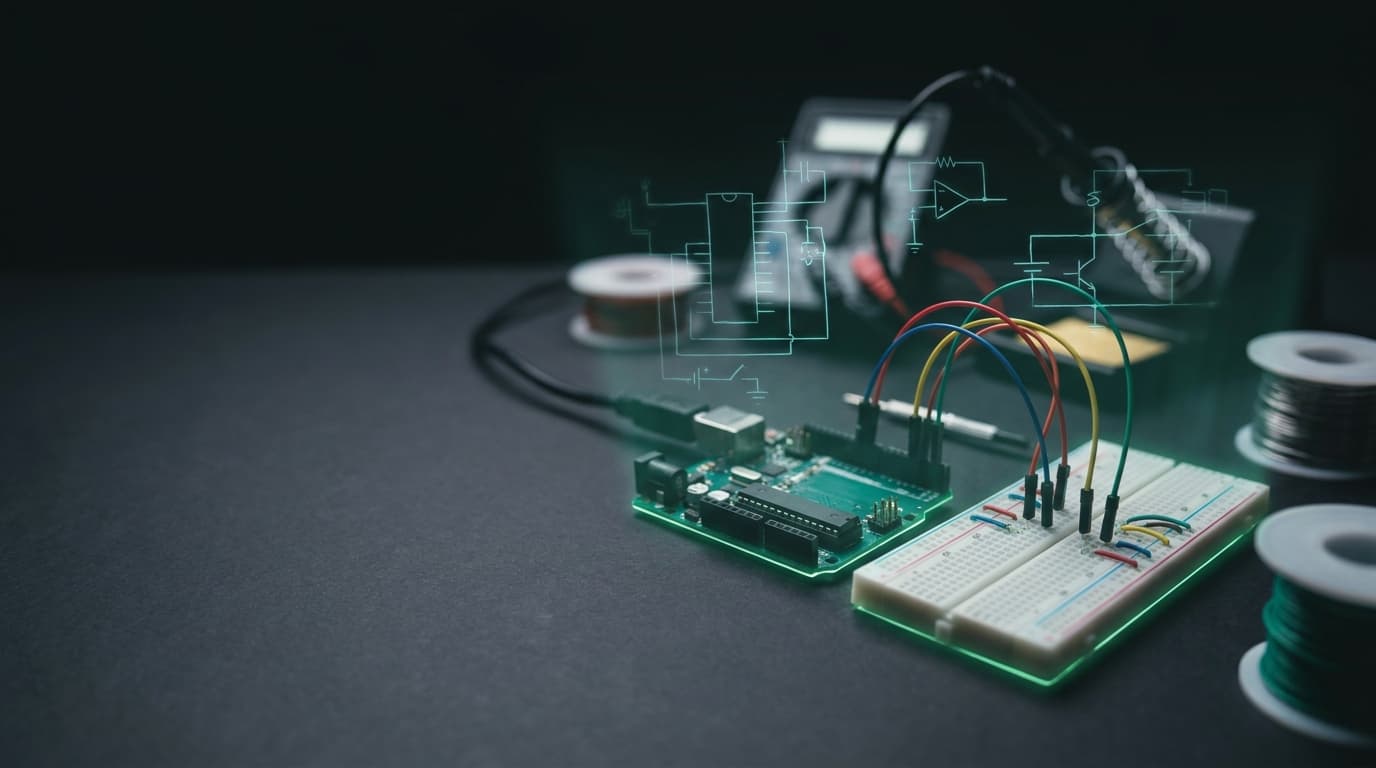
Describe the gadget.
Get the plan, the parts
list and a wiring sketch.
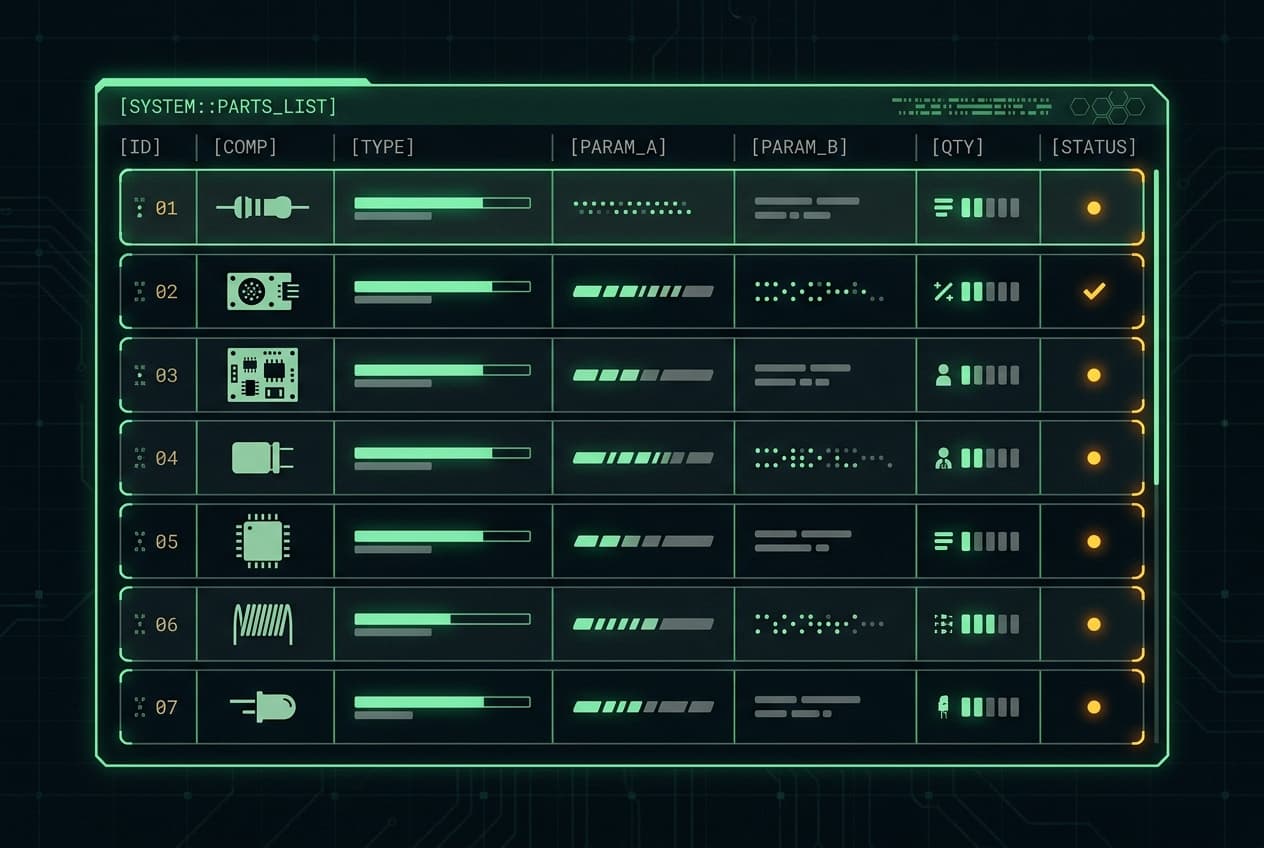
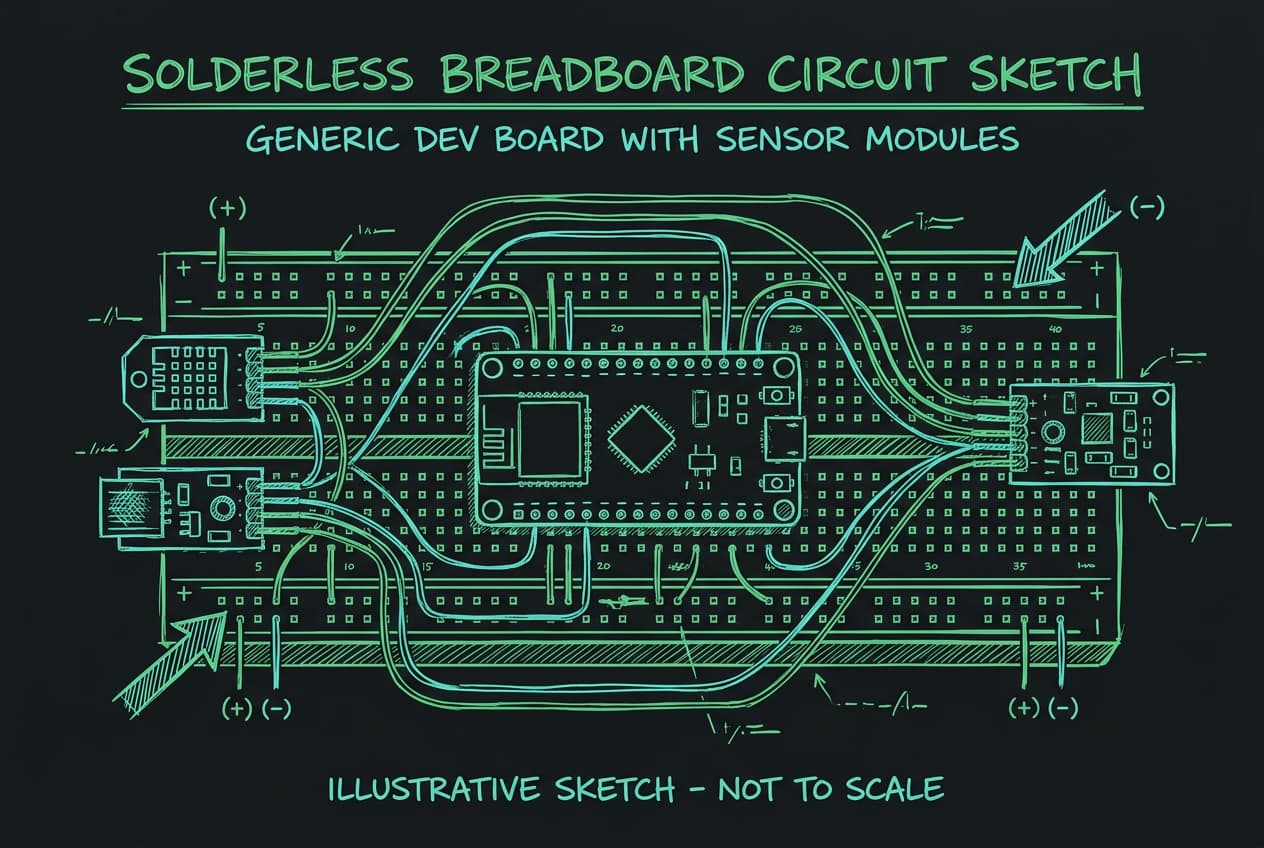
Pinout turns a hobby-electronics idea into a build plan, a placeholder parts list and an illustrative wiring sketch — then a debug checklist and a showcase-script video. Low-voltage DC projects only.
Hobby reference — low-voltage DC only. This is not professional engineering, a certified design or a manufacturing drawing. Sketches are illustrative and not to scale; verify every component against its official datasheet, and check pins and polarity yourself. No mains work.
From a sentence to a build you can actually wire up
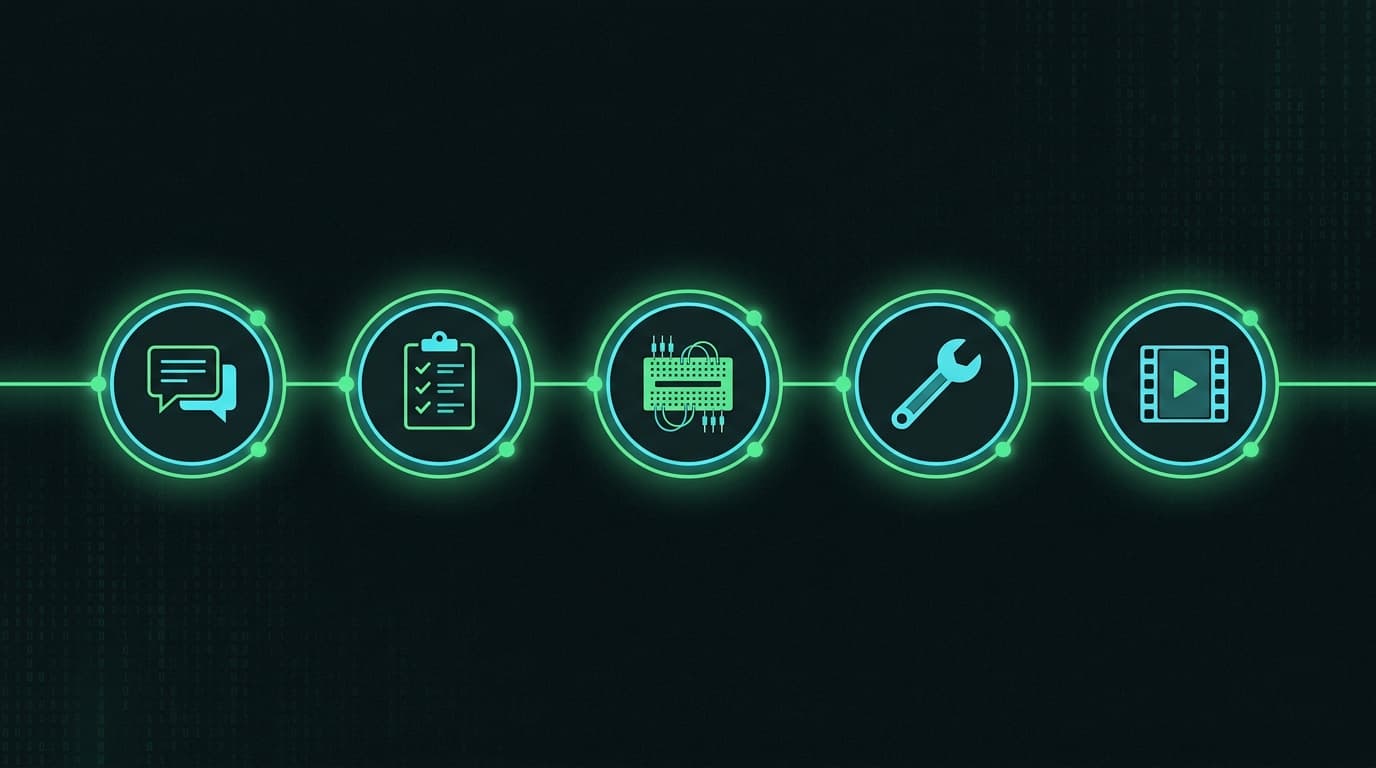
The same five-step loop every maker follows — now with the parts list, pin map and common-mistake flags done for you.
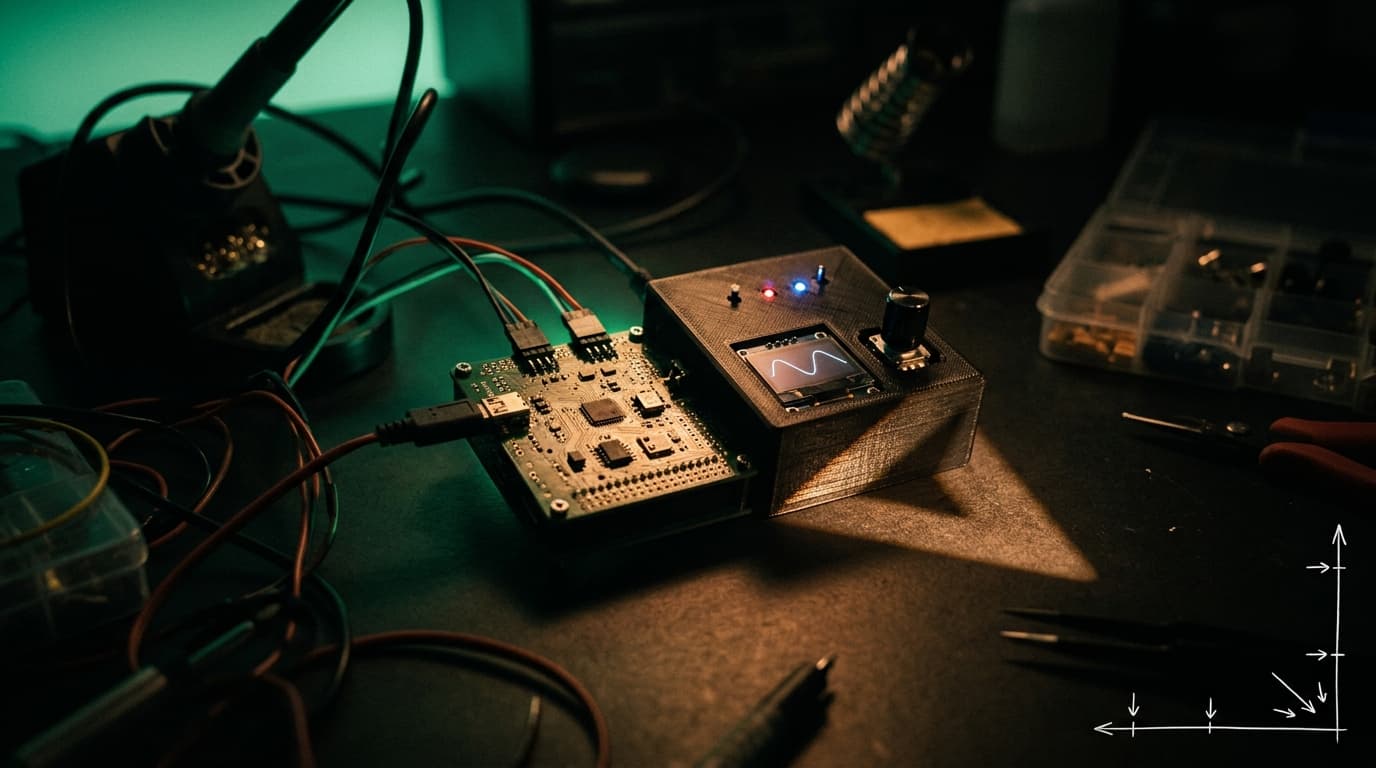
Describe the gadget
Type what you want to build in plain language and pick the board you have. No jargon required — Pinout reads the intent.
Get the plan and parts list
A step-by-step build plan, a placeholder BOM to verify against datasheets, wiring notes with the classic mistakes flagged, and a firmware skeleton.
See the wiring sketch
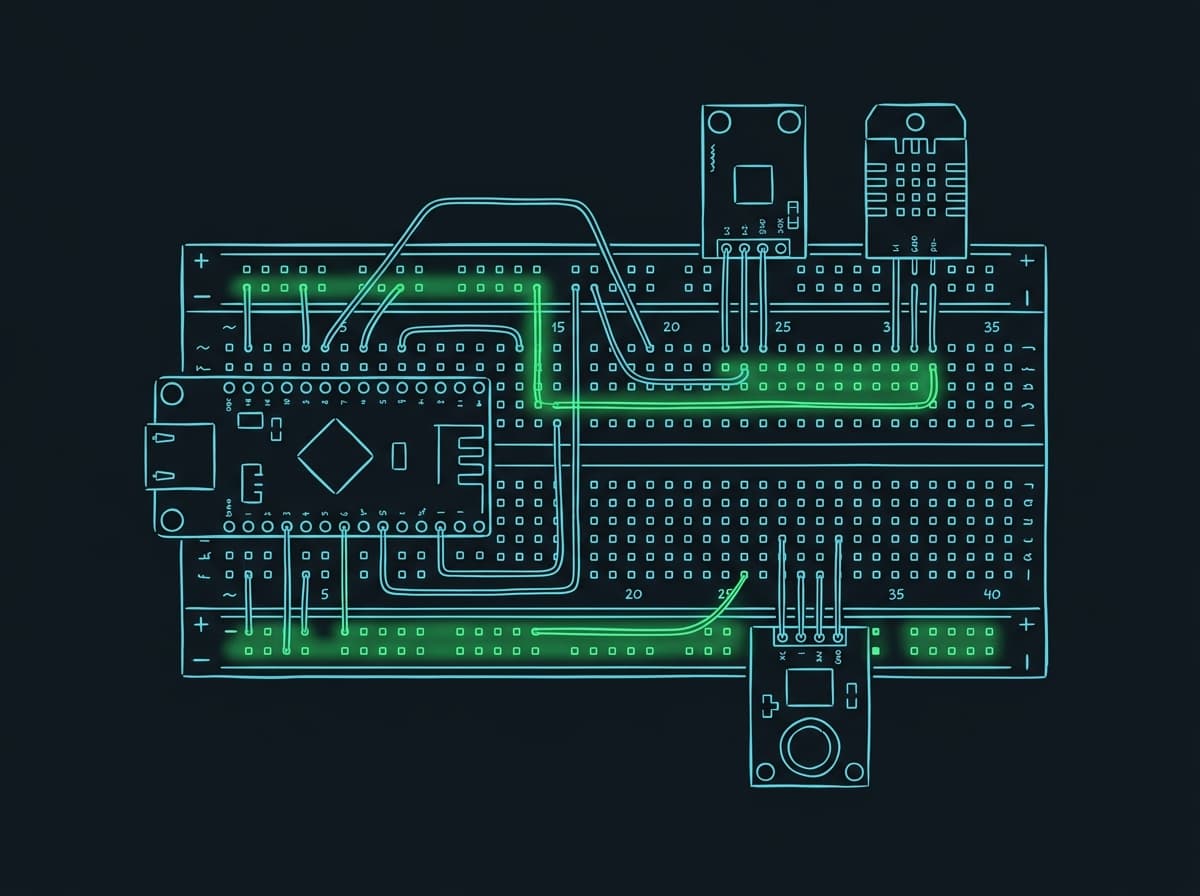
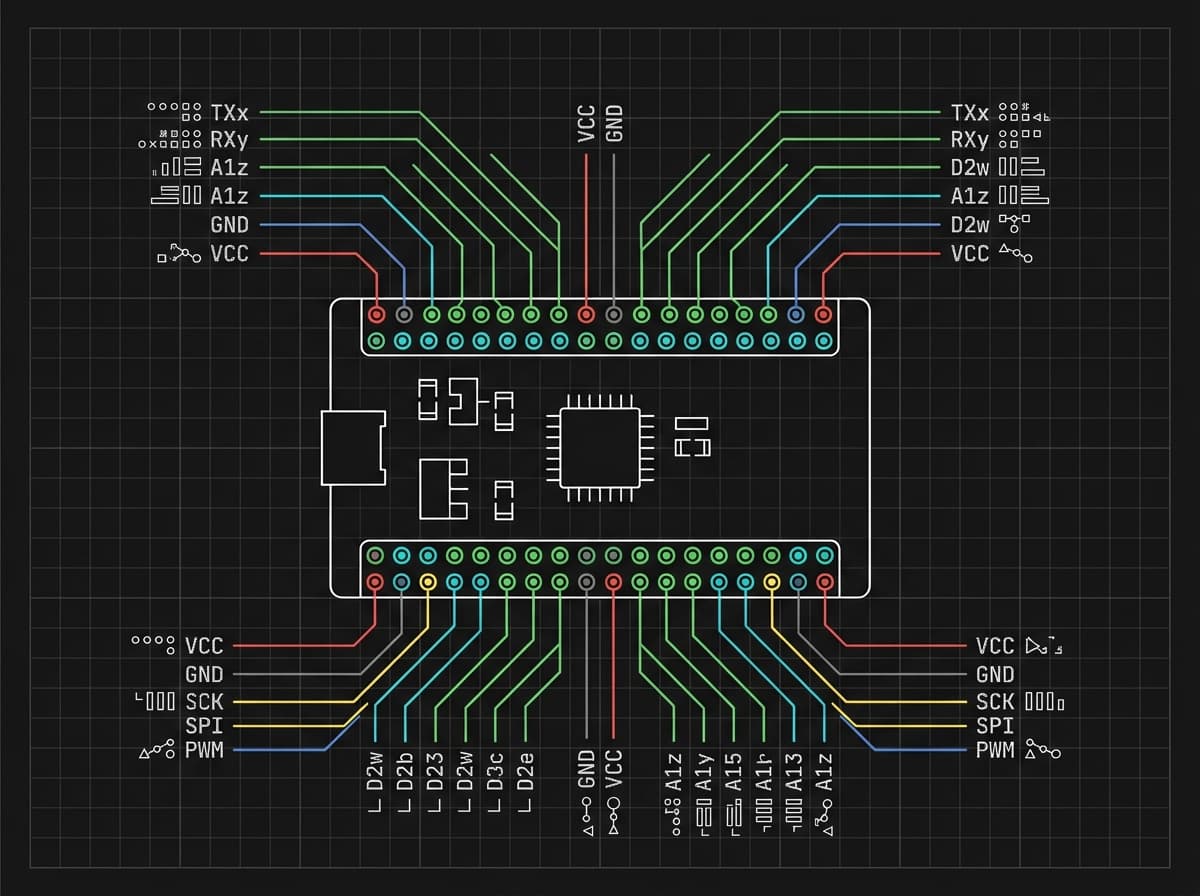
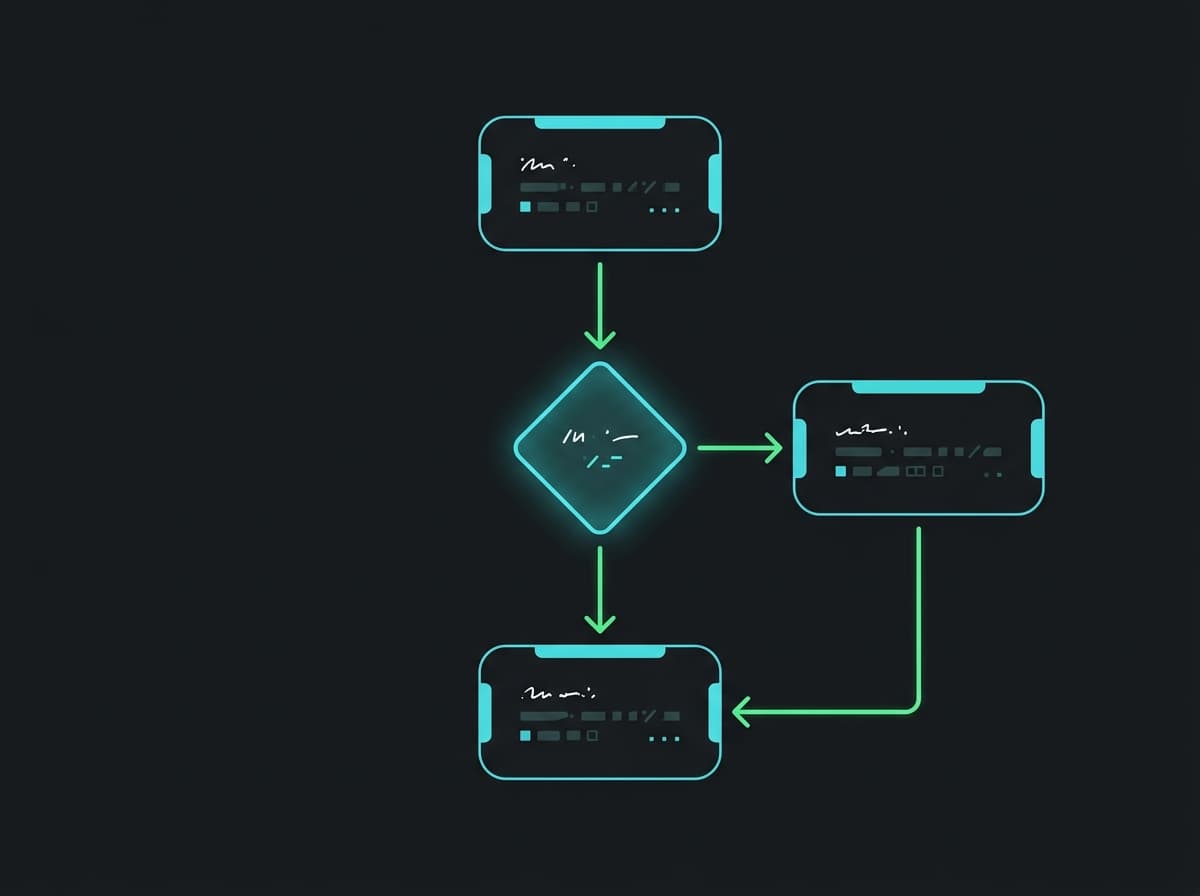
An illustrative breadboard sketch, a pin-map card and a logic flow — every sketch stamped ‘not to scale’ so it stays a learning reference.
Adjust, then work the debug list
Swap a sensor, add a module, re-generate. When something stays blank, the ordered debug checklist walks you from power and ground to wiring and code.
Export a showcase script
Turn the finished build into a 10–25s showcase-script short film in 16:9 and 9:16, then export the whole pack: plan, sketches and script.
Four sketch types, every plan

Pure subscription. No credits, no stored value.
Breadboard
1 saved project · 2 project plans per month · 1 watermarked sketch
Maker
PopularUnlimited projects · 60 sketches per month · full export
Lab
Everything in Maker · showcase-script video · version history · priority queue
The boundaries, up front
Does Pinout sell electronic components?+
No. Pinout is a planning studio, not a shop. The parts list is a set of generic placeholders with ‘verify with datasheet’ notes — we do not sell or source components, and we do not guarantee compatibility or stock.
Are the wiring sketches manufacturing drawings?+
No. Every sketch is illustrative and stamped ‘not to scale’. Treat it as a learning reference: confirm pins, polarity and component parameters against the official datasheet before you build.
Can it help with mains / household wiring?+
No, and it never will. Pinout covers low-voltage DC hobby projects only. Anything involving mains or AC wall power must be designed and installed by a licensed electrician.
What do I get on the free plan?+
The Breadboard plan is free: one saved project, two generated plans a month and one watermarked sketch. Maker and Lab lift the caps and add clean exports, the sketch library and showcase-script video.
EMBEDDED ENGINEER LIMITED · Lochwinnoch, United Kingdom · support@embeddedengineer.shop